
Bluetest Flow
The measurement software for everyone.
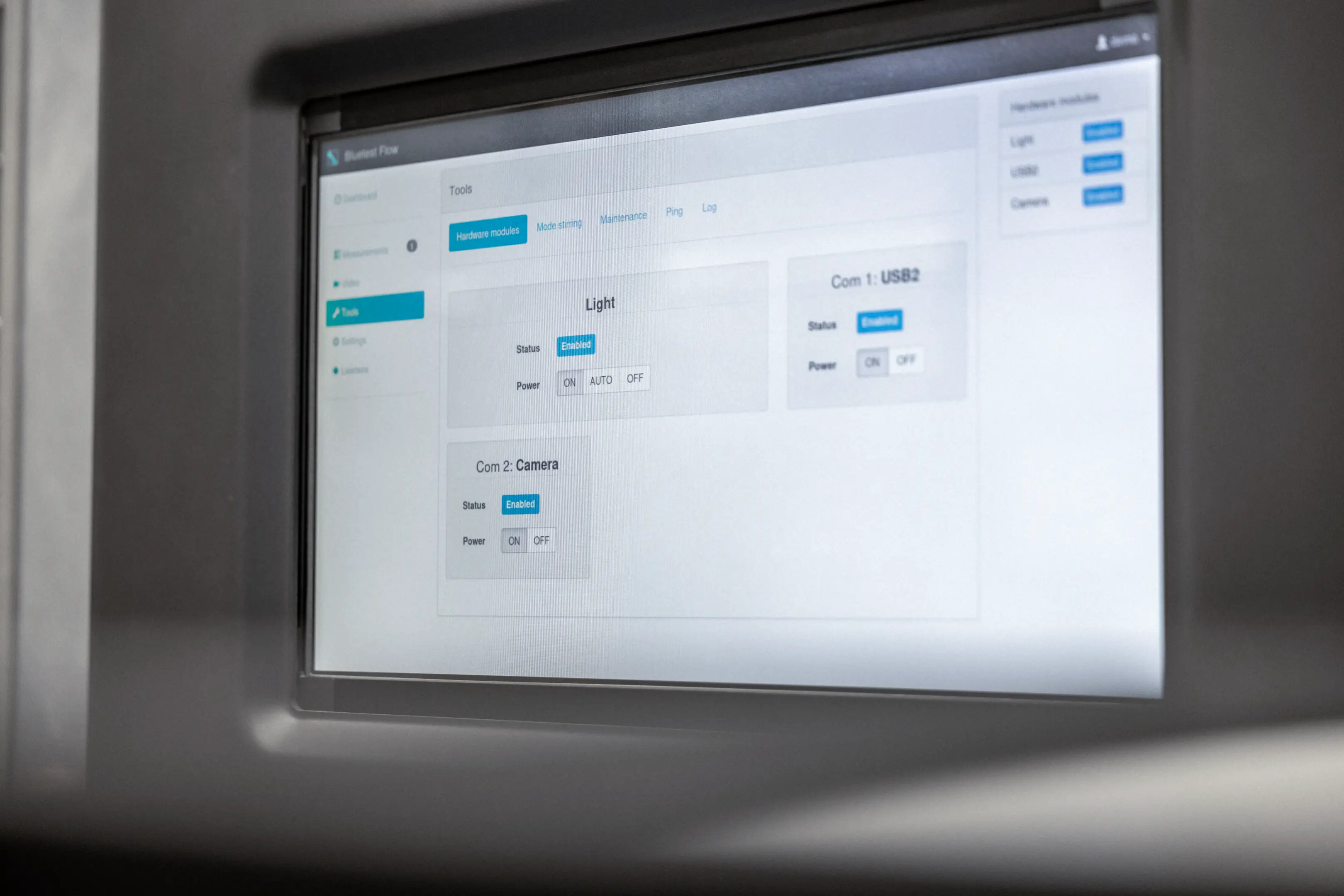
Start the Flow and keep going
Bluetest Flow is the powerful software platform delivered with every RTS chamber, from RTS25 to RTS95B. It gives you the user experience every engineer deserves, while saving valuable measurement and data processing time in your lab.
The integrated test environment offers functionality for testing complex wireless solutions, building on years of research and development expertise and implementing our proven measurement methods and algorithms.
Focus on your results — we'll get you there faster and without interruption.
The integrated test environment offers functionality for testing complex wireless solutions, building on years of research and development expertise and implementing our proven measurement methods and algorithms.
Focus on your results — we'll get you there faster and without interruption.
Flow Manager
Setup, configure and control your measurements.
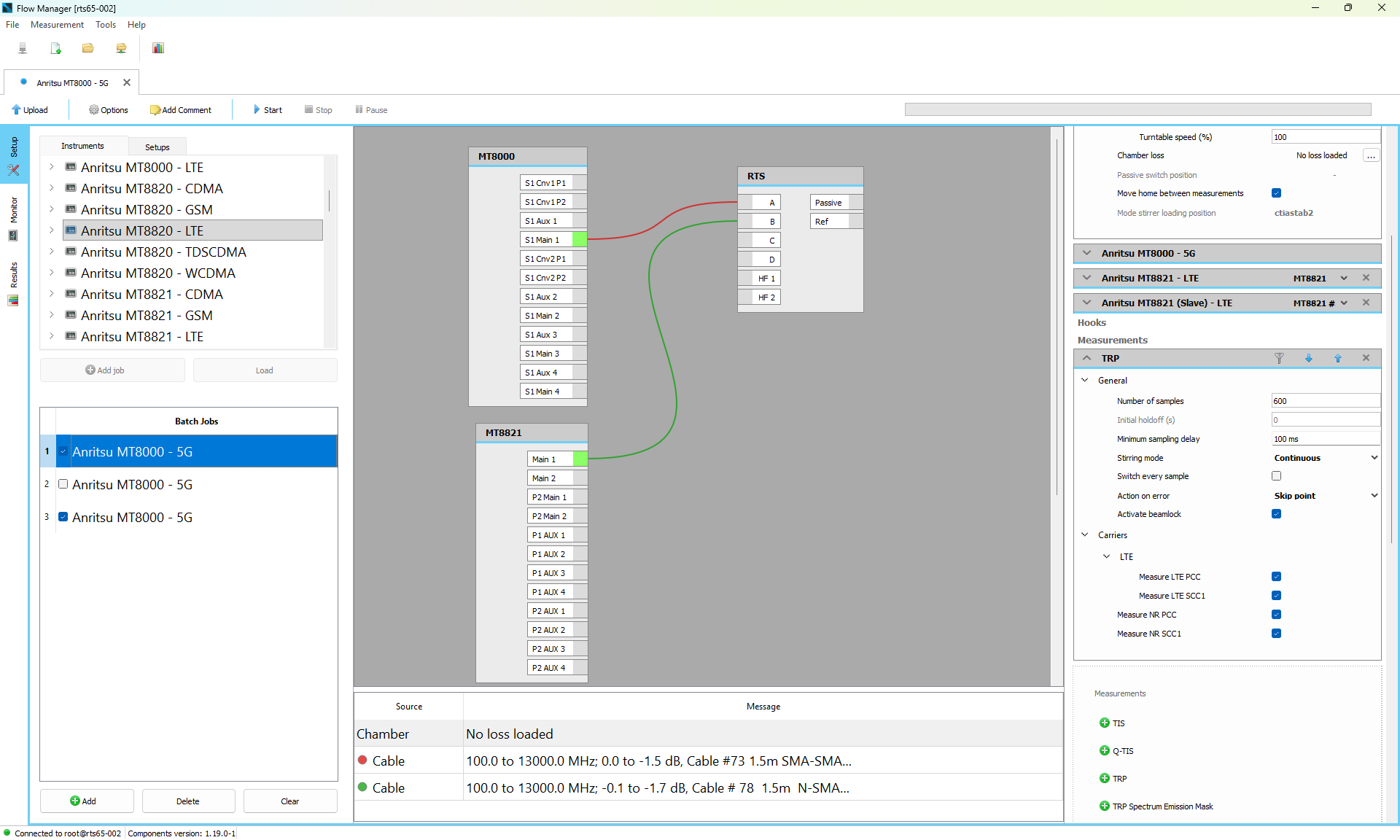
Flow Manager is designed for everyone. First time users will be guided through the measurement setup, power users can dig right into parameter tuning. You decide.
Flow Manager is designed for everyone. First time users will be guided through the measurement setup, power users can dig right into parameter tuning. You decide.
Flow Touch
Web interface for desktop, smartphones and tablets.
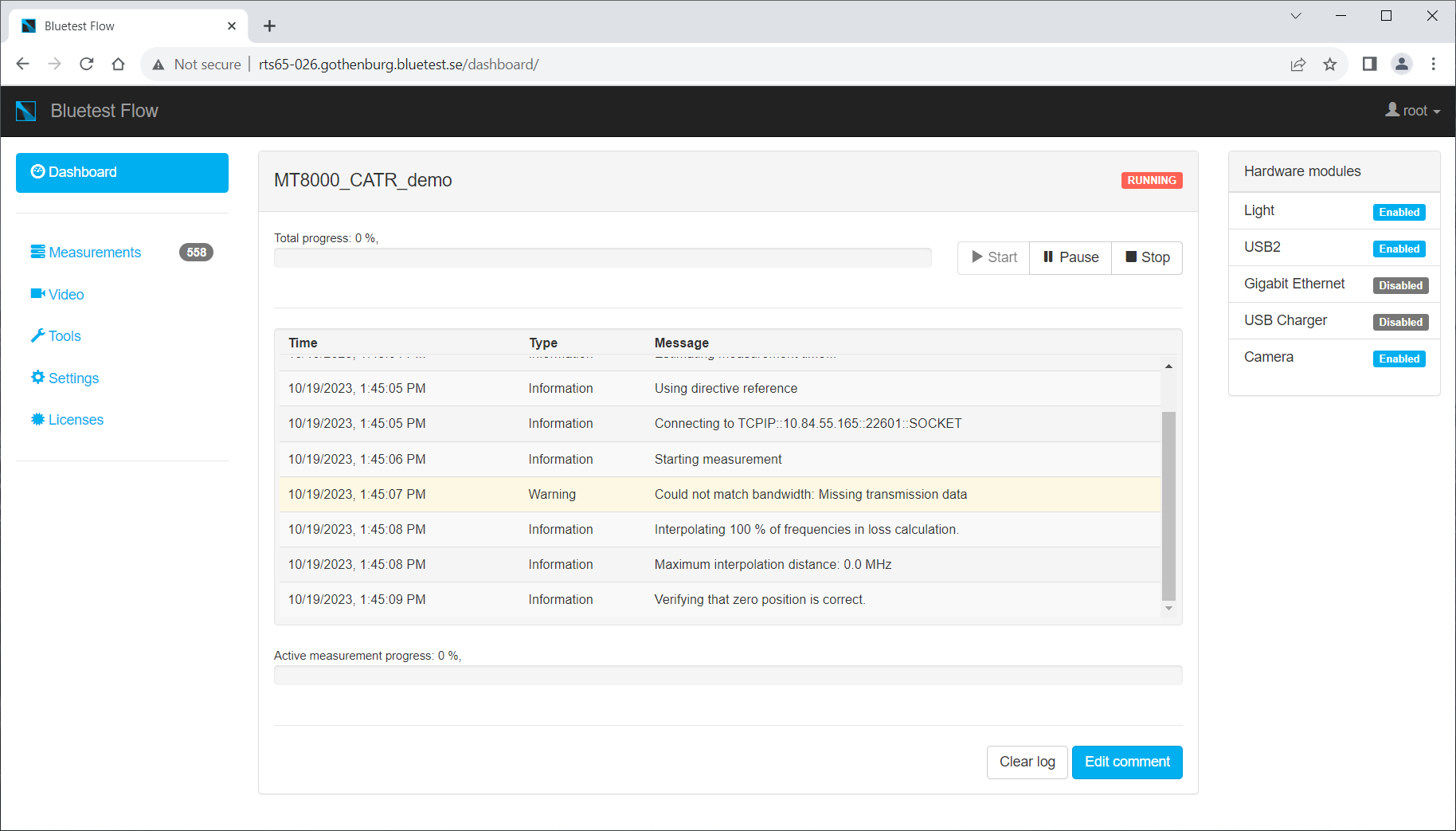
Be productive, even without your computer. The Flow Touch web interface can accessed from any web browser. The UI is responsive and looks great on any screen size.
Be productive, even without your computer. The Flow Touch web interface can accessed from any web browser. The UI is responsive and looks great on any screen size.
Flow Analyzer
Browse, view and analyze your results.
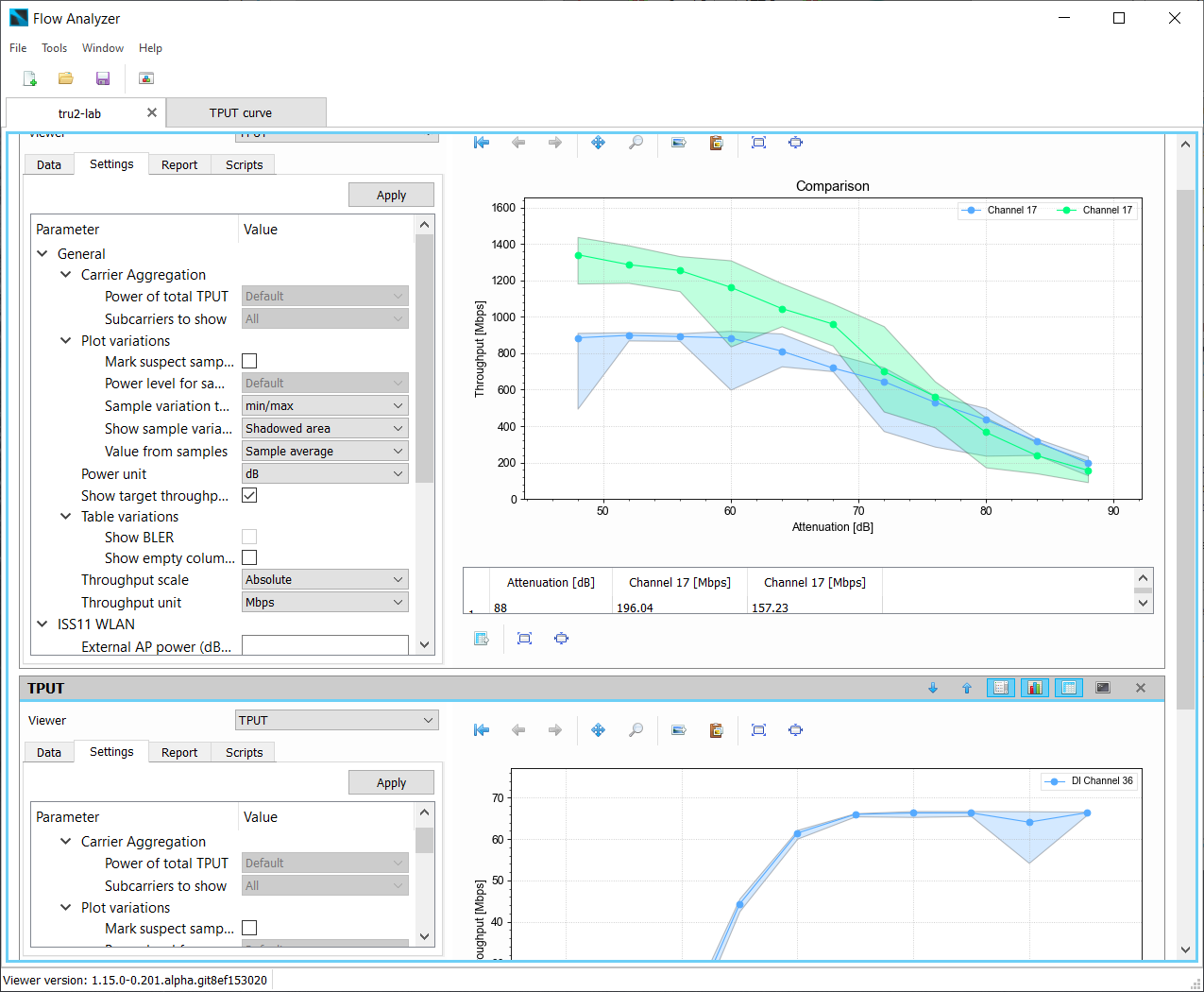
Flow Analyzer does the hard work for you, organizing, plotting, processing and comparing. Less administration, more innovation.
Flow Analyzer does the hard work for you, organizing, plotting, processing and comparing. Less administration, more innovation.
Core functions

Plug and play
A library of predefined setups is included, just select your measurement specification and you are ready to go.

Easy and advanced
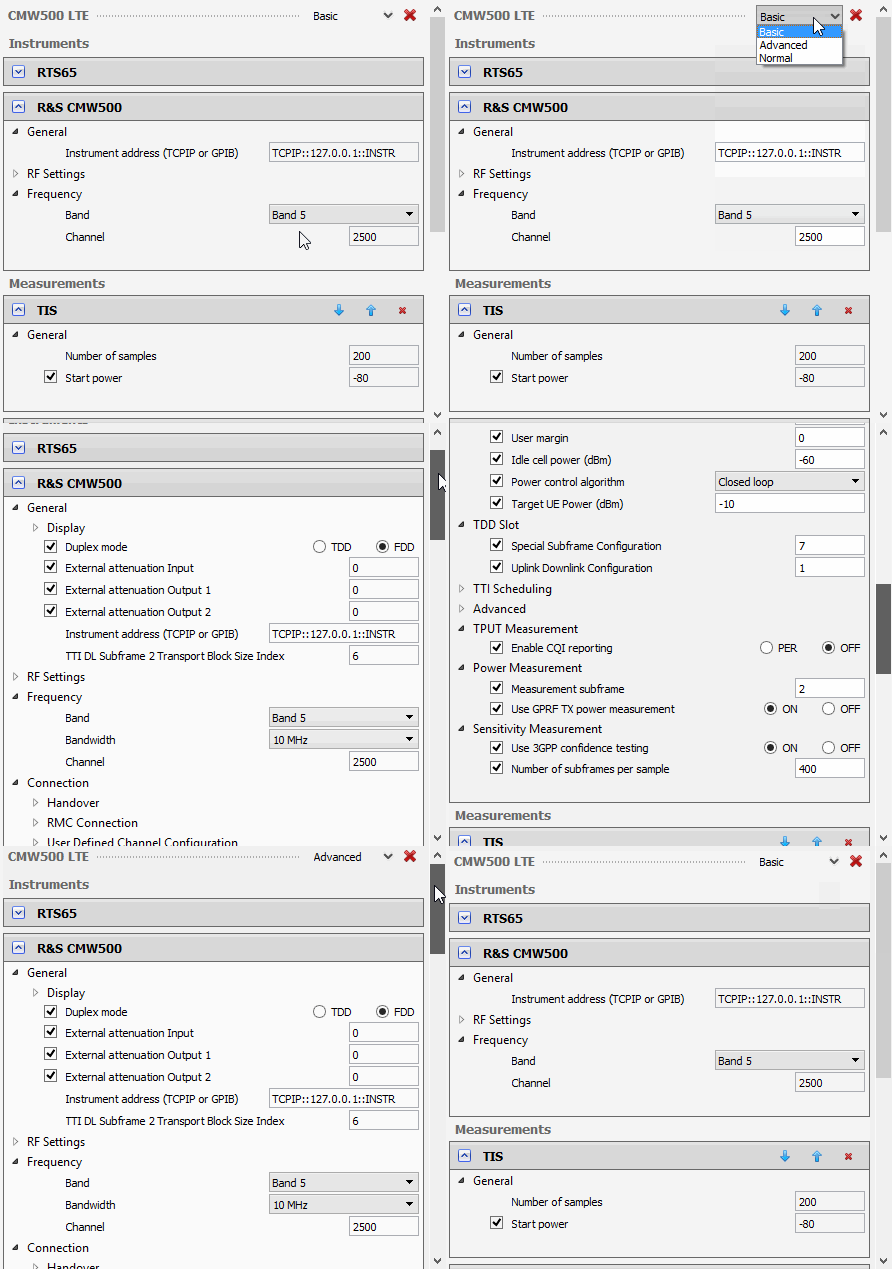
A simplified UI for beginners, a powerful UI for advanced users. You decide how you want to work.

Visual measurement setup
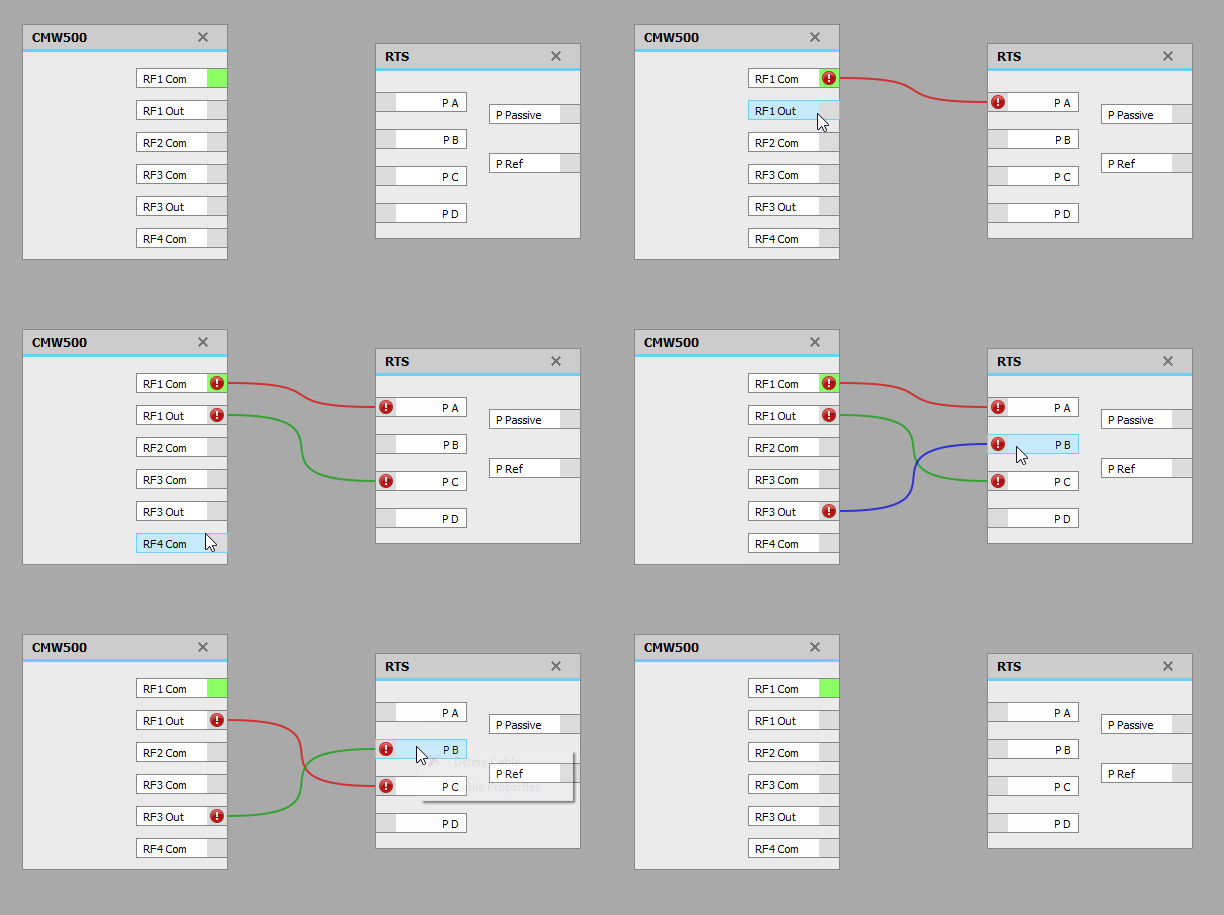
Connect instruments and cables visually, mirroring the physical connections in your lab.

Interactive tutorials
It is easy to get help, interactive step-by-step guides are embedded in the software.

Remote control
The Flow Manager controls the chamber remotely. Connect to you chamber from the lab, the office or even the park.

Intelligent parameters
The software is aware of ranges and dependencies of the instrument and measurement parameters.

Append metadata to results
Add tags or additional DUT information. Make it easy to find the measurement data you are looking for.

Batch measurements
Run multiple measurements in one go. You can mix your measurements as you want. Start the measurement and leave the system running.

View live results
View the result as the measurement is running. No post processing needed. You might not even need to finish the whole measurement.

Web interface
Check measurement status, view the video feed, and update software and licenses. Available on the chamber touch screen or any browser on the same network as the chamber.

Airplane mode
Need to work on the plane? Measurement setup, instrument configuration, and result processing can all be done offline.

Powerful building blocks
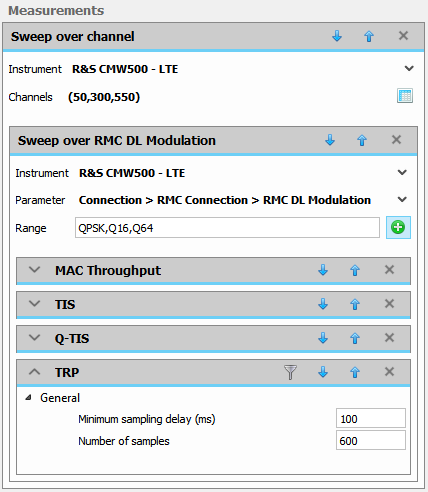
Build complex measurements from simple building blocks. Change instrument parameters inside the measurement sequence, create nested loops, and combine different measurement types in one sequence.
Result Handling and Analysis

Integrated result database
Easy and powerful search, import and export to file.

Import legacy files
Keep all results in one place. Including all results measured with your previous Bluetest systems.

Combine results
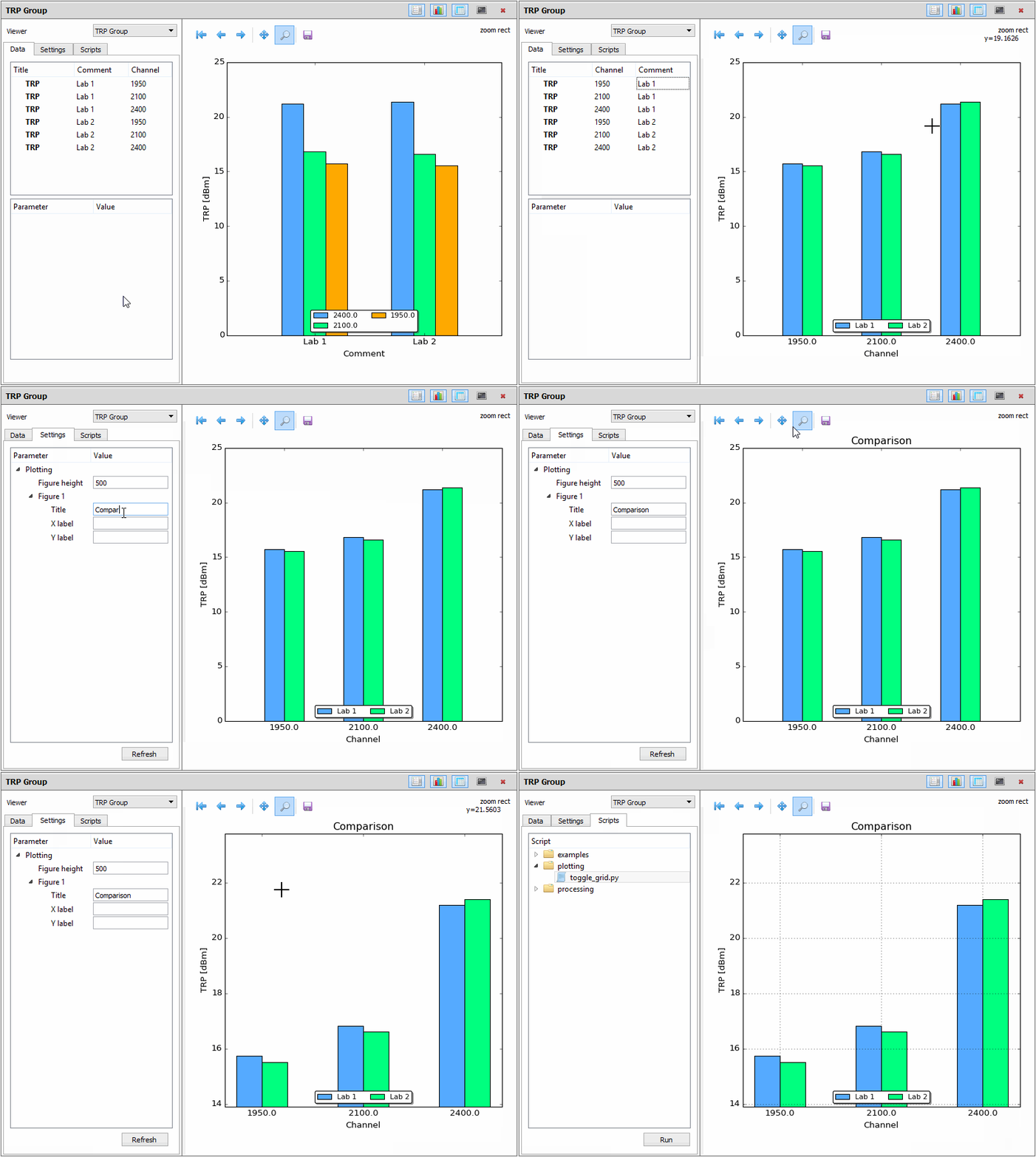
Collect data from different measurement campaigns. Make comparison plots.
Interactive tutorials
It is easy to get help, interactive step by step guides are embedded in the software.

Customize plots
Everything can be adjusted. The only limit is your imagination.

Build reports
Select data and export to common file formats.

Data processing
A full-fledged scientific computing environment is included. Just go nuts.
Security and Integrity

User login
Keep your measurements and results private. Create individual accounts or shared accounts, it is up to you.

Encrypted communication
All communication with the system is encrypted using industry standard SSL encryption. No one can eavesdrop on your measurements.

Backup system
The integrated backup functionality will keep your data safe.
Wireless Standards
Whether you need support for WiFi, 2G, 3G, 4G LTE or the latest 5G standards, we cover the whole range of wireless communication. Flow Manager supports the most common communication testers and vector network analyzers for active and passive measurements.
The options and combinations of standards and protocols will not limit you to get the customized system configuration you need today. Our support and service solutions provide an upgrade path for both hardware and software platforms to ensure that the capabilities of your RTS stay ahead of tomorrow’s wireless technologies.
The options and combinations of standards and protocols will not limit you to get the customized system configuration you need today. Our support and service solutions provide an upgrade path for both hardware and software platforms to ensure that the capabilities of your RTS stay ahead of tomorrow’s wireless technologies.

| Standard | TRP | TIS | Q-TIS* | Throughput MAC | Throughput IP |
| GSM/GPRS/EGPRS |  | | |||
| CDMA2000/EVDO Rev. 0 and A | | | | ||
| WCDMA/HSPA/HSPA+ | | | |||
| LTE FDD/TDD | | | | | |
| LTE Carrier Aggregation | | | | ||
| LTE Cat M1 | | | | ||
| NB-IoT | | | | ||
| 5G NR NSA | | | | | |
| 5G NR SA | | | | | |
| 5G Carrier Aggregation | | | | ||
| 5G RedCap | | | | ||
| WLAN | | | | ||
| Bluetooth | | |
Company
Bluetest is a pioneer in wireless test solutions through innovative application of the reverberation chamber technology.
Read more about us.
Read more about us.
Social Media